Tips for Creating a Productive Home Workspace That Boosts Focus and Comfort
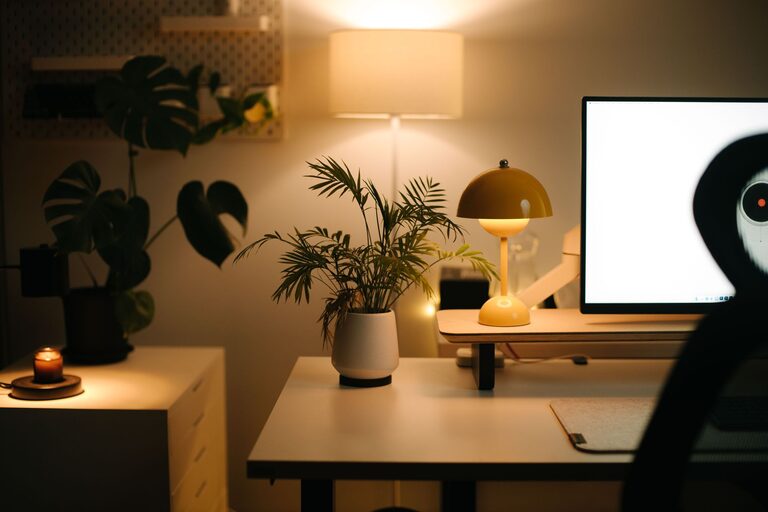
Creating a productive home workspace is essential for anyone working remotely or spending significant time on personal projects. An effective workspace not only boosts your focus but also makes working more comfortable and enjoyable. In this post, we’ll explore practical tips to help you design a workspace that supports productivity and well-being.
Why a Dedicated Workspace Matters
Having a dedicated area for work helps your brain distinguish between “work” and “relax” modes. This separation can improve focus, reduce distractions, and encourage a consistent daily routine. Even if space is limited, carving out a specific spot for your work can lead to better results.
Choose the Right Location
The first step is picking the ideal spot in your home for your workspace.
Consider Natural Light
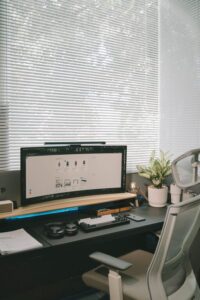
Position your workspace near a window if possible. Natural light can boost mood and reduce eye strain. Be mindful of glare on screens; adjust your setup or use curtains to balance brightness.
Minimize Distractions
Select an area away from noisy household activities or high-traffic zones. If that’s not possible, noise-canceling headphones can help create a quieter environment.
Think About Ventilation and Temperature
A well-ventilated, comfortable temperature can greatly influence your focus. Avoid spaces that tend to get too hot or cold.
Invest in Comfortable and Functional Furniture
Your furniture is central to comfort and productivity.
Ergonomic Chair
An adjustable, supportive chair reduces strain on your back and neck. Invest in one that encourages good posture.
Desk Size and Height
Choose a desk large enough to hold your essential tools but compact enough to avoid clutter. A desk at the right height helps maintain proper arm and wrist alignment.
Adjustable Options
If possible, use a sit-stand desk. Being able to alternate between sitting and standing can boost energy and reduce fatigue.
Organize Your Workspace Efficiently
A cluttered workspace can lead to a cluttered mind.
Keep Essentials Within Reach
Store frequently used items like pens, notepads, and chargers close by to minimize interruptions.
Use Storage Solutions
Drawers, shelves, and organizers can help keep your desk tidy. Label containers so you can quickly find what you need.
Cable Management
Loose cables create visual clutter and can be a tripping hazard. Use clips, sleeves, or ties to keep cords organized and out of sight.
Optimize Lighting for Focus
Good lighting helps reduce eye strain and keeps you alert.
Combine Natural and Artificial Light
Use desk lamps with adjustable brightness to supplement natural daylight. Avoid harsh overhead lighting that can cause glare.
Choose Warm or Cool Light
Neutral to cool white light (between 4000K and 5000K) is often best for focus. Warm light is more relaxing but may not be ideal for tasks requiring concentration.
Personalize Your Space Mindfully
Adding personal touches can make your workspace more inviting but keep it balanced to avoid distractions.
Add Plants
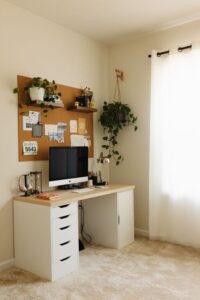
Indoor plants improve air quality and create a calming atmosphere.
Use Inspiring Artwork
A few pieces of art or photos can boost your mood without overwhelming the space.
Comfortable Accessories
Consider a cozy rug or wrist rests for additional comfort.
Set Boundaries and Maintain Routine
Your workspace setup works hand in hand with habits that support productivity.
Define Work Hours
Treat your home office as a place with working hours, not a spot for all-day lounging.
Take Regular Breaks
Stand up, stretch, or take a short walk every hour to maintain energy and focus.
Keep Technology Focused
Use apps or browser extensions that reduce digital distractions during work time.
Keep Technology Up to Date and Efficient
Reliable tech is crucial for smooth workdays.
Invest in Quality Equipment
A good monitor, keyboard, and mouse can improve comfort and efficiency.
Maintain a Fast Internet Connection
Slow Wi-Fi can disrupt your workflow. Use wired connections if possible or position your workspace near the router.
Backup Your Work
Regularly back up your files using cloud services or external drives to avoid data loss.
Final Thoughts
Designing a home workspace that boosts focus and comfort is a combination of choosing the right location, investing in ergonomic furniture, organizing efficiently, balancing lighting, adding thoughtful personalization, and establishing clear routines. By making these adjustments, your workspace will support your productivity and make your work-from-home experience more enjoyable and effective.